
We are thrilled to announce the release of two highly requested features in Presto Player, the leading WordPress video plugin.
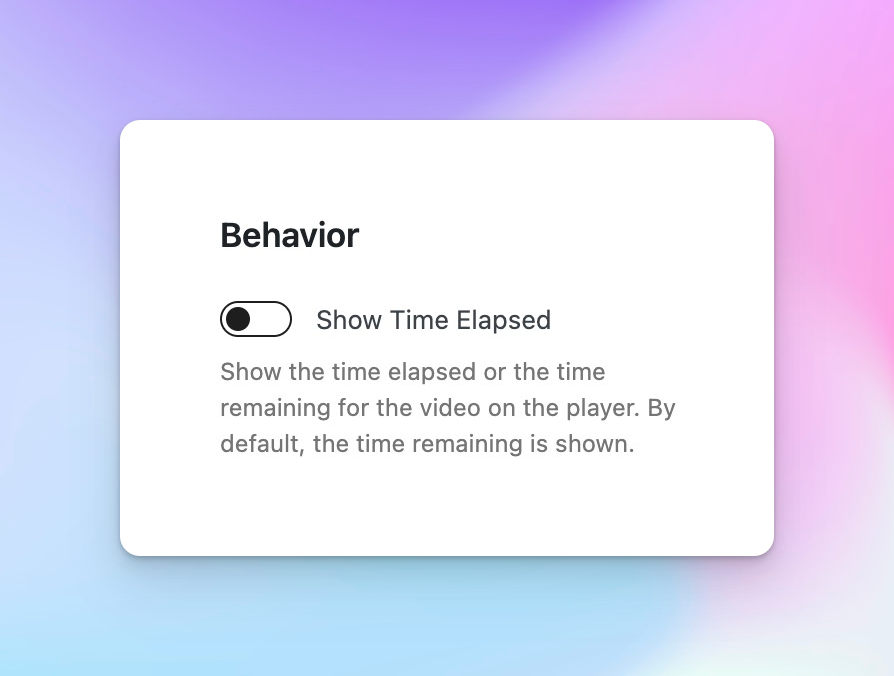
Show Time Elapsed – A New Preset Option
We’ve heard your feedback, and we are delighted to introduce the “Show Time Elapsed” preset option, available under the behavior settings in Presto Player.
When enabled, this feature displays either the time elapsed or the time remaining for the video directly on the player.
This highly requested feature empowers course creators to provide more context to their viewers, allowing them to easily track their progress and manage their time effectively.
Now, your audience can stay engaged and informed throughout the video playback experience.
Playlist Highlight Color Setting
We understand that each video in a playlist may have its own unique player style. To ensure a consistent and visually appealing playlist experience, we have introduced a new setting that allows you to pass a playlist highlight color to all players within the playlist.
By unifying the player style, this feature adds a professional touch to your playlists and creates a cohesive visual identity for your video content.
Now, your viewers can navigate through your playlist seamlessly, enjoying a visually harmonious experience from start to finish.
Upgrade to the latest version of Presto Player now and leverage these powerful features to enhance your video content and engage your audience like never before.
New:
- New: Time elapsed options in presets (pro required).
- New: Setting to pass playlist highlight color to players (pro required).