
Using Presto Player With Gutenberg
Presto Player is built natively on Gutenberg, so adding video to your pages and posts is seamless. You have two options: add a video block directly in the editor, or save your video to the Media Hub first and insert it from there. Both approaches are covered below.
Presto Player supports the following video sources:
- YouTube
- Vimeo
- Self-hosted video
- Audio
- Bunny.net (Pro)
Add a Video Directly in Gutenberg
This is the quickest way to get a video onto a page. Any video you add this way is automatically saved to your Media Hub as well.
Step 1: While editing a post or page, add a new block and search for Presto Player. Select the block that matches your video source (e.g., Presto YouTube Video).
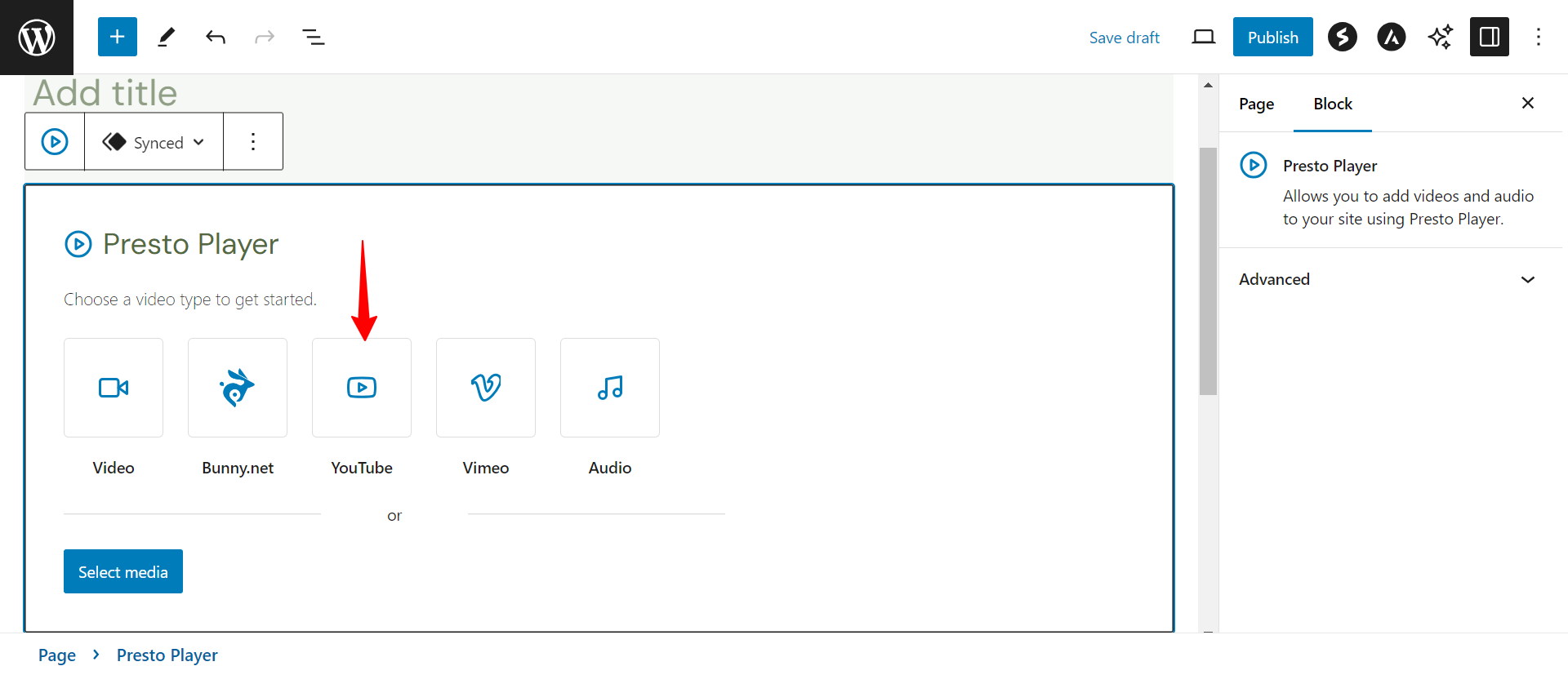
Step 2: Enter your video URL and click Add Video.
Step 3: Once the video loads, configure any block settings in the sidebar, such as presets, chapters, or branding. Click Publish or Update to save.
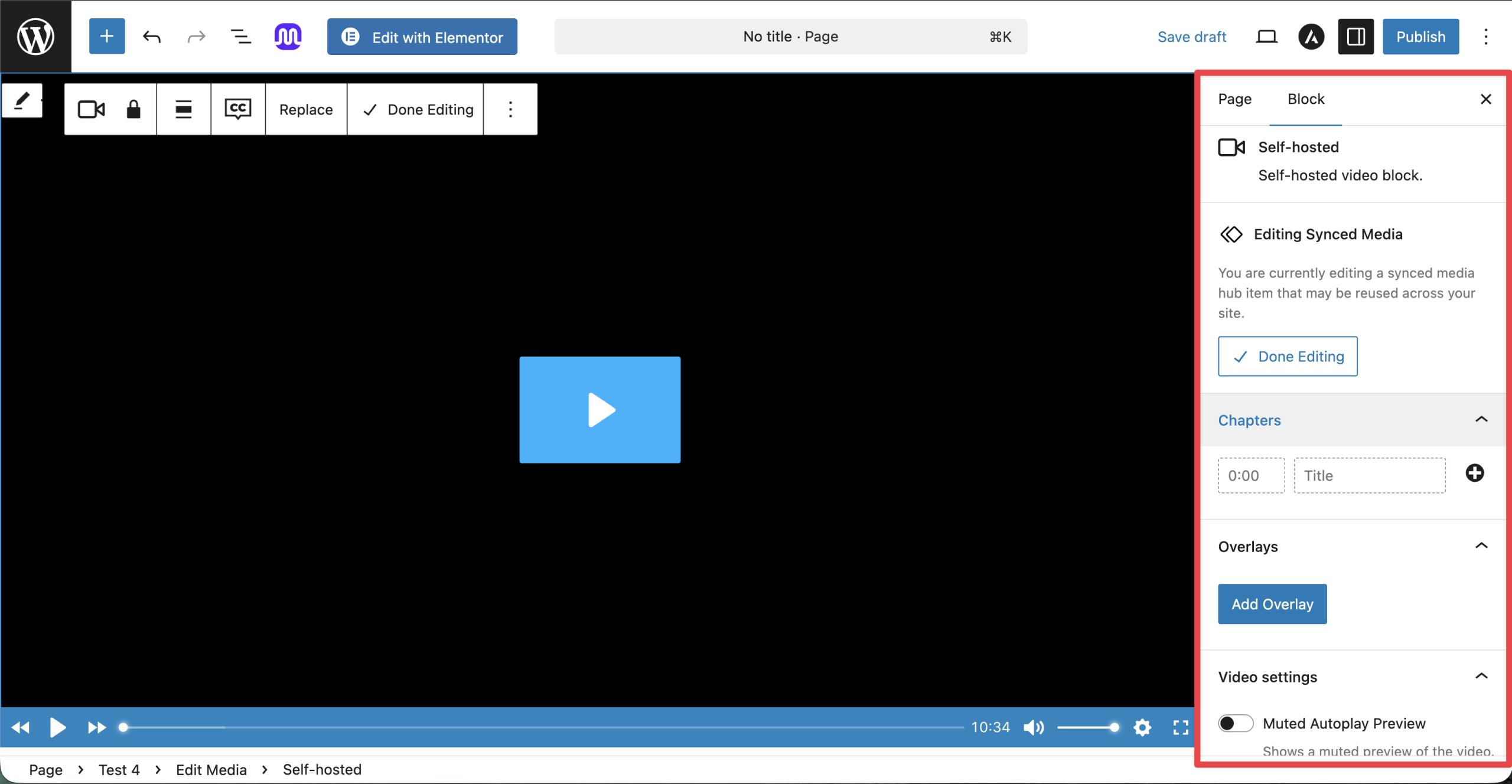
Add a Video via the Media Hub
The Media Hub lets you manage all your videos in one place. Use this approach when you want to reuse the same video across multiple pages or configure it in detail before embedding.
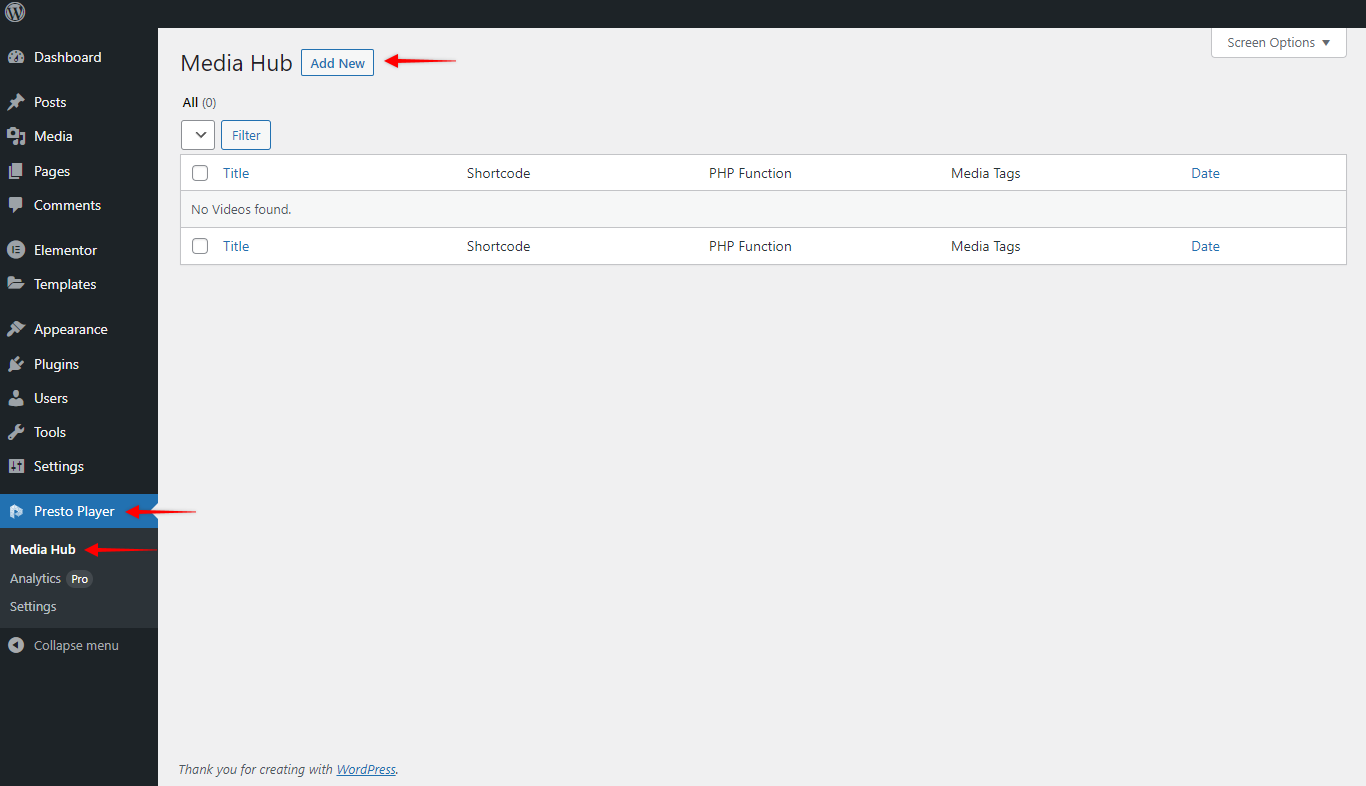
Step 1: Go to Presto Player > Media Hub and click Add New. Give your video a name.
Step 2: Select your video source.
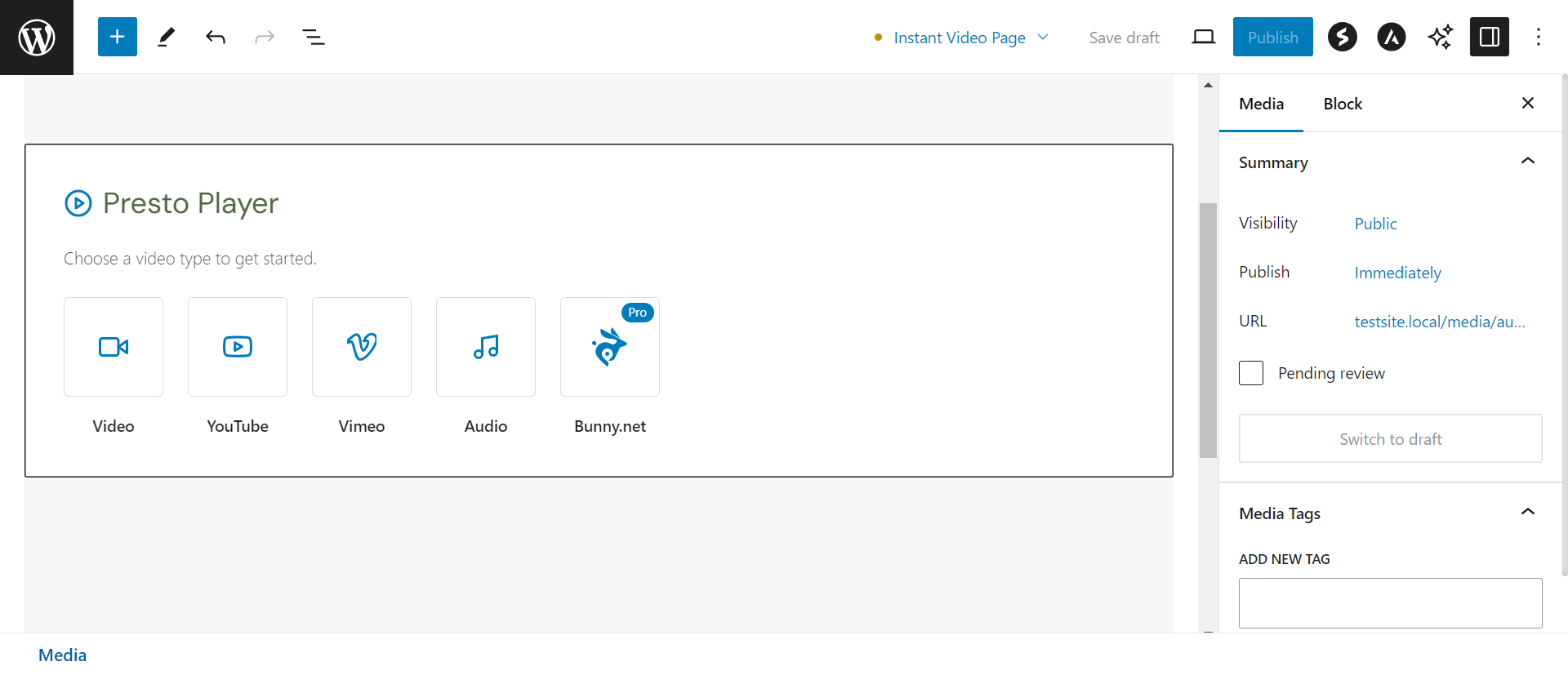
Step 3: Enter the video URL and click Add Video.
Step 4: Configure any settings, then click Publish to save. The video is now available to insert anywhere on your site using a Presto Player block.
Conclusion
Both methods give you the same result — a fully-featured Presto Player video embedded in your Gutenberg content. If you run into any issues, feel free to reach out to our support team. We’re happy to help.
We don't respond to the article feedback, we use it to improve our support content.