
- How to Get Started with Presto Capture
- Why Presto Capture Needs HTTPS
- Presto Capture Block Settings
- Presto Capture Shortcode Reference
- How to Choose Where Recordings Are Saved in Presto Capture
- How to Control Who Can Record in Presto Capture
- How to Brand the Recorder in Presto Capture
- Understanding the Presto Capture Admin Panel
- How to Manage Recordings in Presto Capture
- How to Activate Your Presto Capture Licence
Bunny.net Videos Not Showing in DIVI Editor
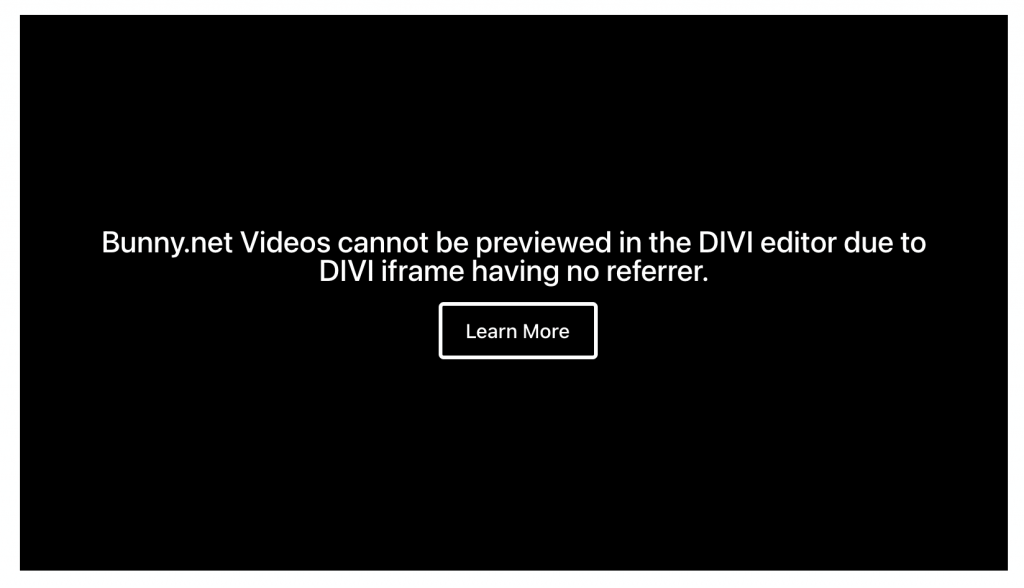
If you are using the Divi editor and your Bunny.net video is not showing in the preview, this is expected behavior – not a bug.
Why This Happens
Divi loads your site inside an iframe that has no source URL. When Presto Player tries to load a video from Bunny.net inside that iframe, the request is sent without a referrer.
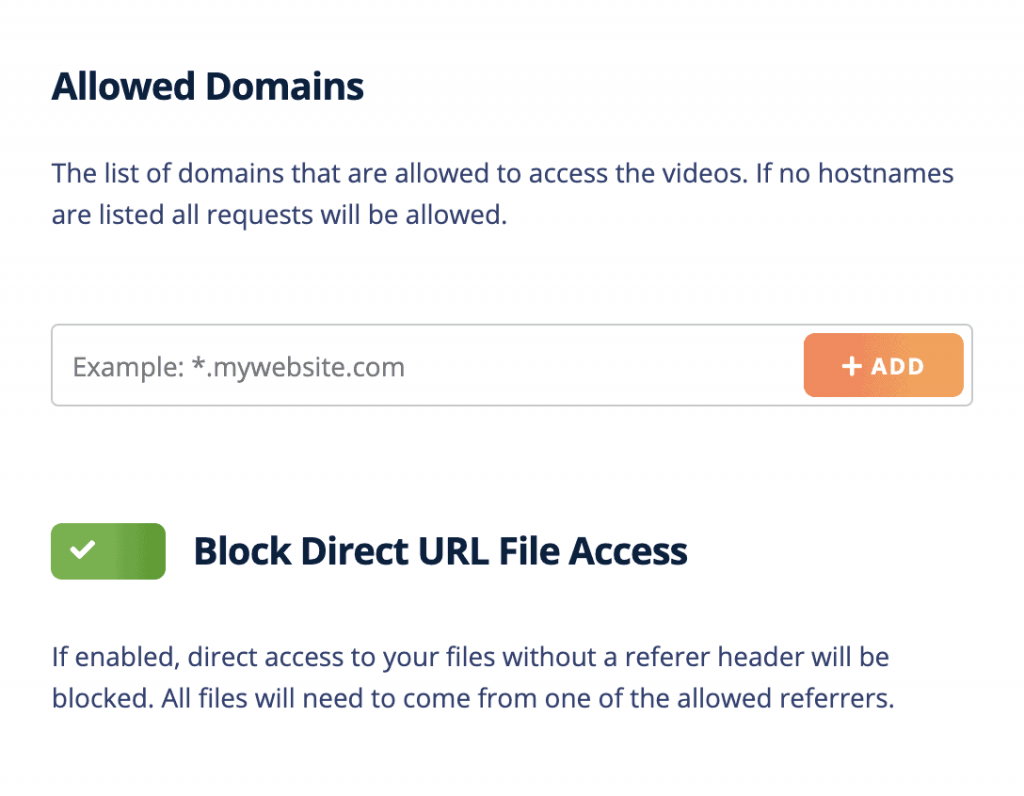
If you have Block Direct Access enabled in your Bunny.net pull zone settings (which is recommended), Bunny.net will block any request that does not come from an allowed referrer. The Divi editor iframe triggers this block.
Your Video Is Fine on the Front End
This only affects the Divi editor preview. Your video will display correctly for visitors on the published page. To confirm, open the page in a new browser tab on the front end – the video should load and play as expected.
Conclusion
There is nothing to fix on your site. This is a known limitation of how Divi renders its editor, not a problem with Presto Player or your Bunny.net configuration. If you have any other questions, feel free to reach out to our support team. We’re happy to help.
We don't respond to the article feedback, we use it to improve our support content.